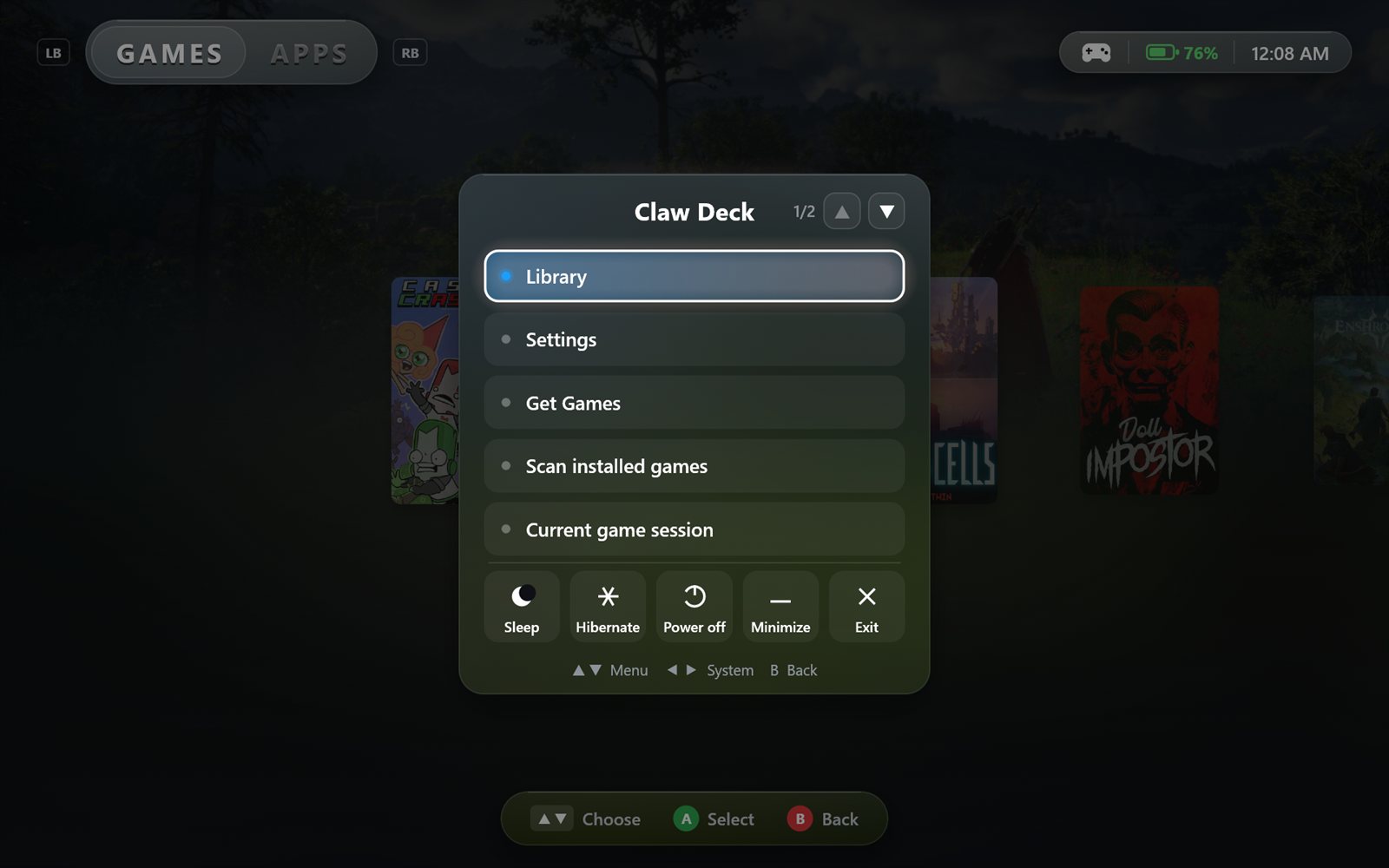
 Claw Deck
What Claw Deck stores
- Your game and app library, settings, cover art, backgrounds and game descriptions are saved only on your PC, in
%LOCALAPPDATA%\ClawDeck. - If you enter a SteamGridDB API key, it is encrypted with Windows (DPAPI) for your Windows account and stored in the same folder.
- Claw Deck has no user accounts, analytics, telemetry, advertising or crash reporting. We do not collect, receive, sell or share your personal data.
Online services Claw Deck contacts
To fill in artwork and game details, Claw Deck sends the names or Steam IDs of items in your library to:
- Steam (store.steampowered.com and Steam's image servers) for official covers, backgrounds and descriptions.
- SteamGridDB (steamgriddb.com), only if you add your own API key, for community artwork. Your key is sent to SteamGridDB to authorize those requests.
- Wikipedia (wikipedia.org) for a short game description when Steam has none.
These services receive your IP address as part of any internet request and handle it under their own privacy policies. You can turn off automatic artwork in Settings > Artwork.
Games, apps and links
Claw Deck reads installed game information from launchers on your PC (such as Steam) to build your library, and starts the games and apps you choose. Links such as Get Games or "Get a free SteamGridDB key" open in your web browser.
Removing your data
Uninstalling Claw Deck does not delete your library, so it survives reinstalls. To remove everything, delete the %LOCALAPPDATA%\ClawDeck folder.
Contact
Questions about privacy: message @dominantdidit on Instagram.